


CBSE Result 2026 websites may face heavy traffic after Class 12 CBSE result 2026 announcement. Students unable to get results on results.cbse.nic.in or cbseresult.nic.in can use DigiLocker, SMS service, or UMANG App to download marksheets faster. Know how to check results in case of CBSE result website issues, alternative result-checking methods, steps for DigiLocker marksheet download and official CBSE result alternate websites here.
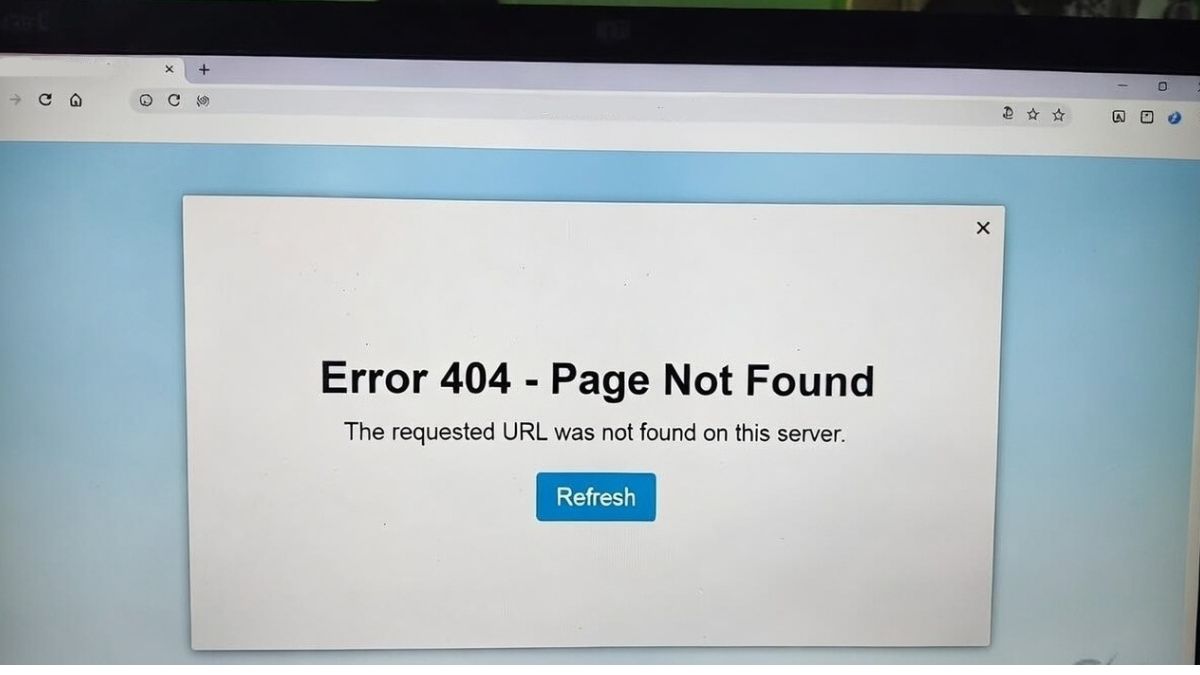
Candidates should avoid refreshing CBSE result login page repeatedly in case the website is down. Instead, they can use alternate methods to check CBSE 12th result 2026 faster, in case the official website is not working. The board has provided DigiLocker, SMS services, and UMANG App to help students check results smoothly without solely depending on the official website. Students are advised to keep their roll number, school number, and admit card ID ready as the results have already been announced.
How to Get CBSE 12th Result 2026 via DigiLocker?
Students can get their class 12 CBSE result 2026 on digilocker using below steps:
- Visit results.digilocker.gov.in
- Log in using mobile number or Aadhaar-linked account
- Search for CBSE Class 12 result 2026 tab
- Enter CBSE 12th roll number and other details.
- Digital CBSE 12th marksheet will be available.
How to Check CBSE 12th Result 2026 on UMANG App?
CBSE class 12 result on UMANG app can be checked using below steps:

- Download UMANG app
- Login using mobile number
- Click on CBSE 12th result 2026 tab
- Enter roll number and other details
- CBSE Class 12th result 2026 appears on screen
How to Check CBSE 12th Result 2026 via SMS??
Students can check their results by typing cbse12 and sending it to 7738299899. The result will be available on mobile number.
Read more:
Follow Shiksha.com for latest education news in detail on Exam Results, Dates, Admit Cards, & Schedules, Colleges & Universities news related to Admissions & Courses, Board exams, Scholarships, Careers, Education Events, New education policies & Regulations.
To get in touch with Shiksha news team, please write to us at news@shiksha.com

Mayank Uniyal is an MCom graduate in International Business. He has over 7 years of experience in content writing. He has been working in the education domain since the beginning of his career. He covers news and up
Read Full Bio