KCET 2014 College Predictor: Find college for a branch
 Call 8585951111Got Doubts?
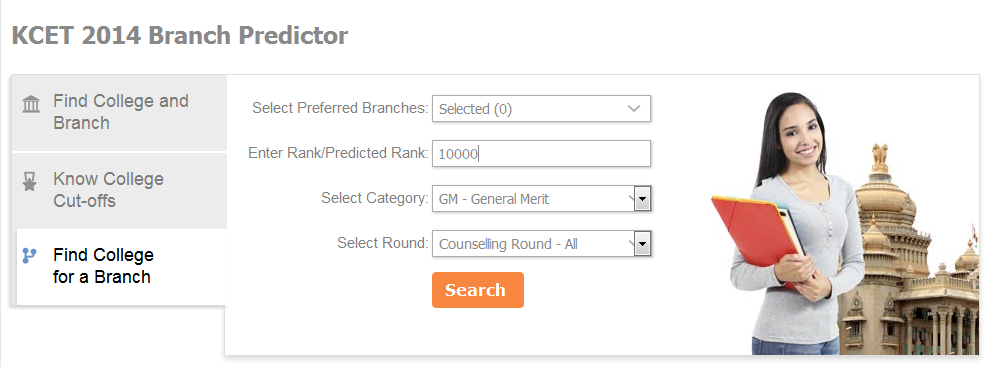
The last part in our series on using shiksha.com KCET 2014 College Predictor and after discussing much about how to use the tool to find a suitable college and branch as well as the college cut-offs, we now explain how to use the tool that helps you find a college for the specific branch which you aim to pursue on the basis of the rank you acquired in KCET 2014.
To find the same, all you required to do is fill details like: your preferred branch, rank/predicted rank, category and counseling round. As soon as you enter these details, a list of colleges along with their institute & course code and closing rank for the specified branch/branches will appear on the screen in front of you. Please note that for KCET, every institute and branch has a unique code and you need to mention the same in your counseling form too.
First and foremost, to find the college/s based on your preferred branch, you will have to select the - “Find College for a Branch” tab on the left hand side column and fill the form displayed on the right hand side.

Step 1- Select your preferred branch
To get started, you first need to select your preferred branch from the given below engineering branches to find out the college you can get admitted into based on your choice.
- Aeronautical Engineering
- Aerospace Engineering
- Automation & Robotics Engineering
- Automobile Engineering
- Bio Medical Engineering
- Bio Technology
- Ceramic Engineering
- Chemical Engineering
- Civil Engineering
- Computer Science
- Construction Tech & Mgt
- Electrical Engineering
- Electronics & Communication Engineering
- Electronics & Instrumentation Engineering
- Enviromental Engineering
- Industrial Engineering
- Industrial Production
- Information Science
- Instrumentation Technology
- Manufacturing Engineering
- Marine Engineering
- Mechanical Engineering
- Mechatronics Engineering
- Medical Electronics
- Mining Engineering
- Nano Technology
- Petroleum Engineering
- Polymer Technology
- Textile Engineering
- Tool Engineering
Please note that you can select one or more than one engineering branches at a time.
Step 2 – Enter rank/predicted rank
The next step after selecting your branch is to fill in your rank you have acquired in KCET 2014.
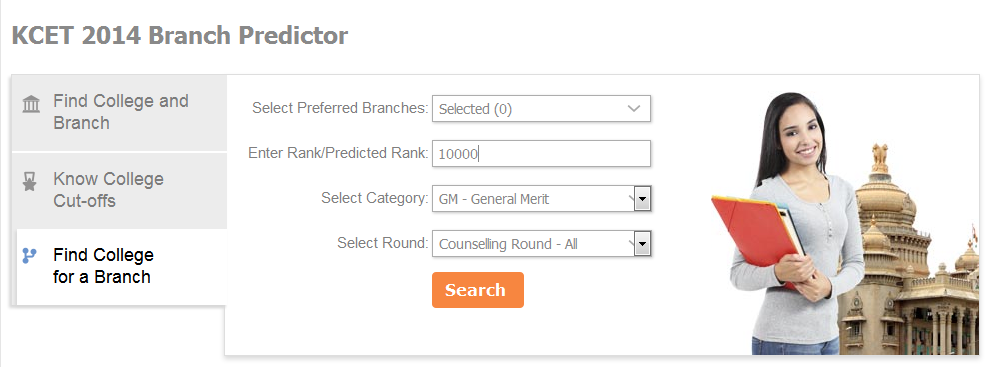
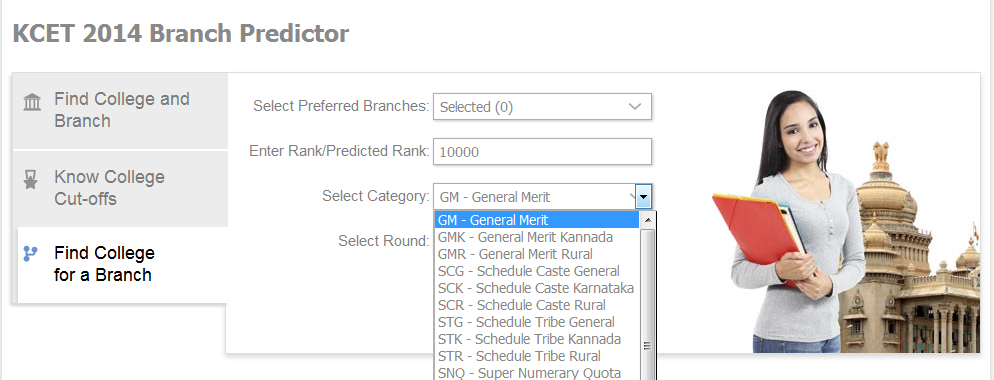
Step 3- Select category
The third step is to select from the different categories like GM(General Merit), GMK(General Merit Kannada), GMR(General Merit Rural), 2AR(2A Rural), 2A(2A General), 2AK(2A Kannada) 2BG(2B General), 2BK(2B Kannada), 2BR(2B Rural), 3AG(3A General), 3AK(3A Kannada), 3AR(3A Rural), 3BG(3B General), 3BK(3B Kannada), 3BR(3B Rural), 1G(1 General), 1K(1 Kannada), 1 R(1 Rural), SCG(Schedule Caste General), SCR(Schedule Caste Rural), SCK(Schedule Caste Karnataka), STR(Schedule Tribe Rural). To know more about the different categories, click here.
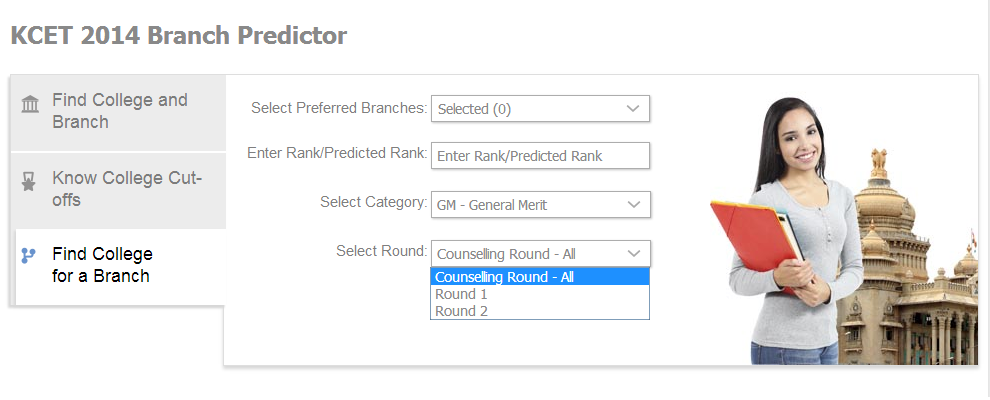
Step 4- Select counseling round
The last step is to choose the counseling round for which you want to know the college (based on your preferred branch) that will be offered to you. Here you need to select from the following rounds:
- Counseling Round – All (for both the rounds)
- Round 1
- Round 2
Please note that KCET 2014 College Predictor displayed colleges and branches only for reference purpose. The prediction for KCET 2014 is based on KCET 2013 closing ranks.
At a given point of time, students will be able to view a list of only 15 college options. However, they can click on the “load more results” to see more options. Students will also be able modify their search in case they wish to enter a separate set of data. For this, they would need to click the '' modify search” option available on the extreme right hand side at the top of the list that is displayed before you.
Check out the KCET 2014 College Predictor now!
Explore more:
KCET 2014 College Predictor: Know college cut-offs
Shiksha.com launches KCET 2014 College Predictor Tool
KCET 2014 College Predictor: Find your college and branch
